Make everyshot yours.
Shoot, find your color, then take it further with AI on iPhone and Mac.
Join the Apple betaiPhone · Mac · Through TestFlight
Natural. Airy. Cinematic.
Find the color that feels like you.

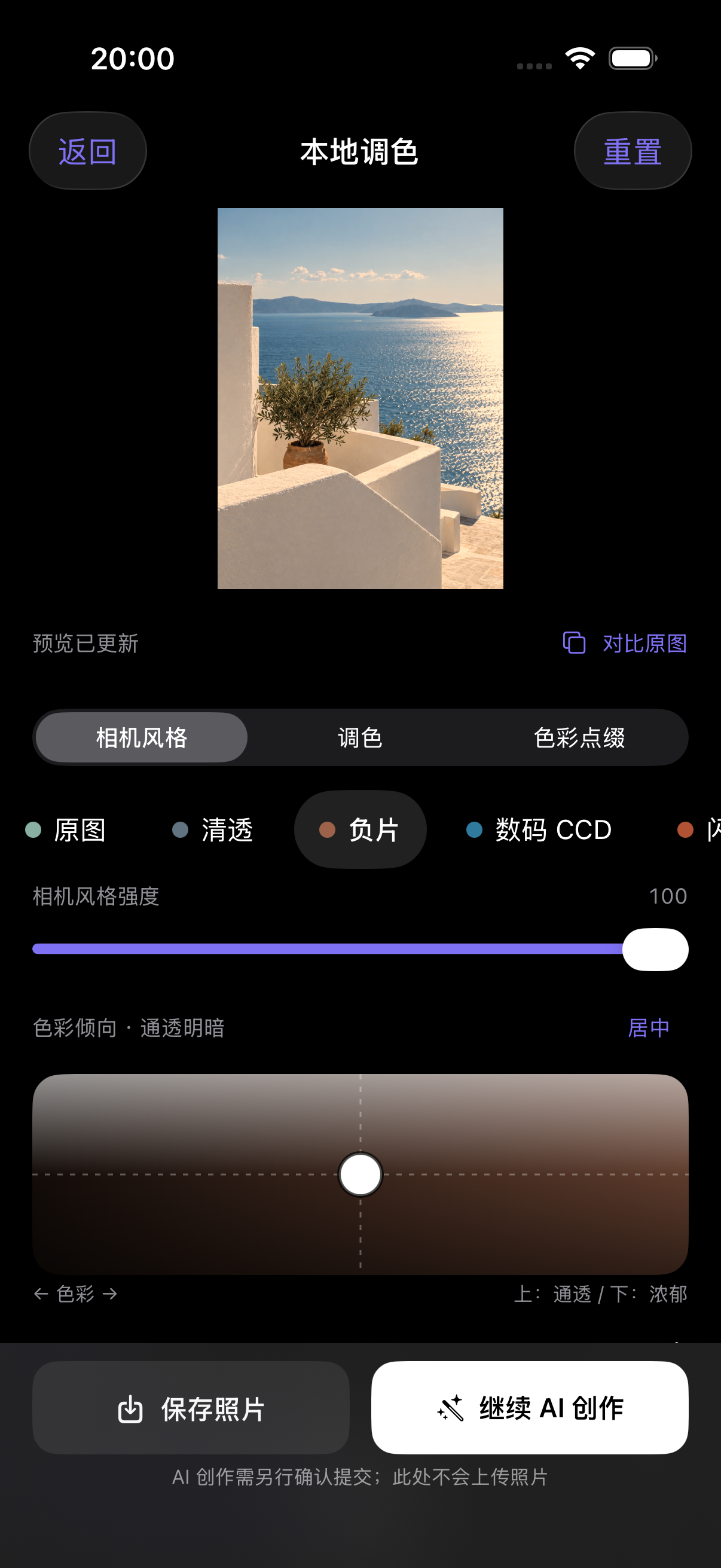
A view only you see.
Capture a moment with the iPhone camera. Shape it with local looks and color adjustments, right on your device.
Keep it local. Continue with AI when you choose.
Take the idea further.
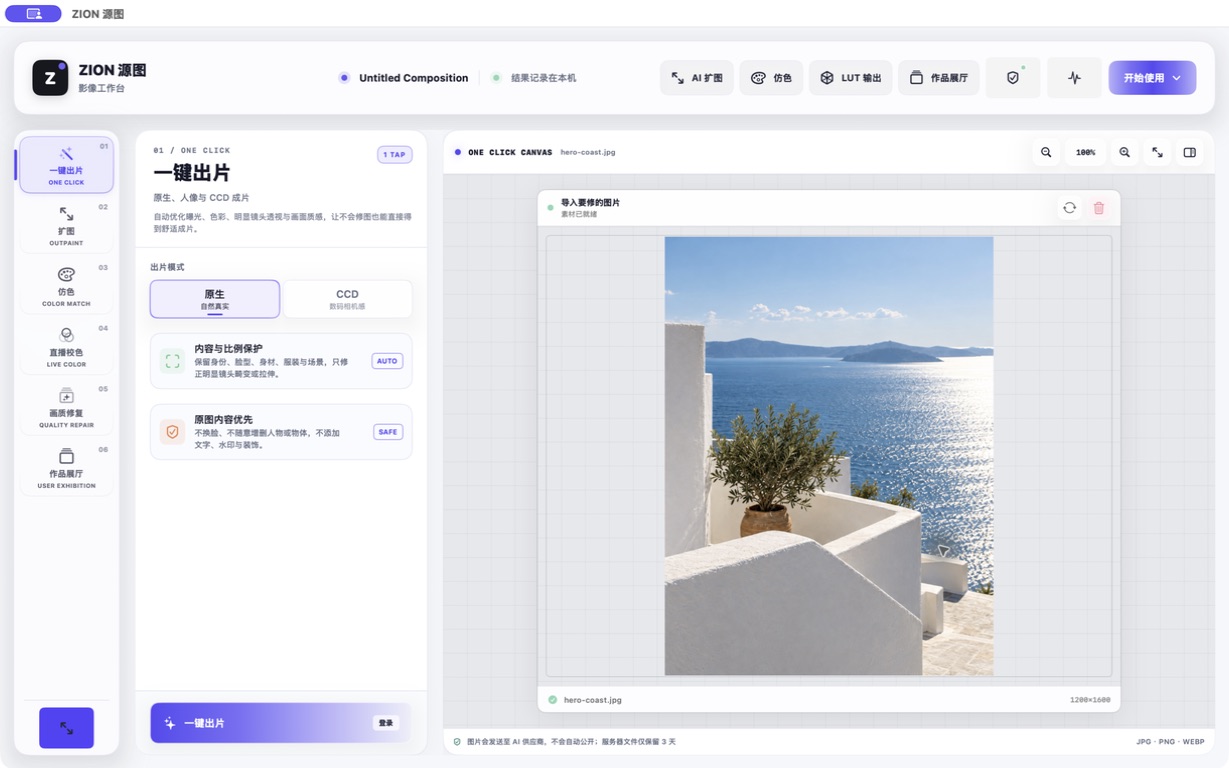
On iPhone and Mac, bring your image into ZION’s AI workflows. Give a portrait its finish, extend the frame, explore a reference color or restore detail.
Continuing from the iPhone editor prepares your image. AI processing starts only when you explicitly submit it.
- One-click imaging
- AI outpainting
- Color matching & correction
- Image restoration
Keep what you make.
Your private library keeps finished images on this device until you delete them. On iPhone, save a separate copy to Photos. On Mac, save a file copy wherever you choose.
No automatic publication. No added cloud sync.
Your next shot starts here.
Get ZION for iPhone and Mac through Apple’s TestFlight beta.
Windows
Coming soon
The Windows download is not open yet.
Install in three steps.
- Install Apple’s TestFlight app on your iPhone or Mac.
- Open the invitation on the device you want to use.
- Install ZION when TestFlight offers it.
Availability is subject to TestFlight. Apple handles device compatibility and shows whether installation is available. This is a beta, not a formal App Store release.
Clear choices. Your images.
This website provides product and download information. Local camera and color editing in the iPhone app stays on your device.
When you explicitly submit a native AI task, your chosen content is sent for processing under the policy displayed in the app. Publishing a work is a separate, explicit submission.
A little help, when you need it.
For beta feedback, open TestFlight, select ZION and use Send Beta Feedback. You can find account and privacy controls in the app’s settings.